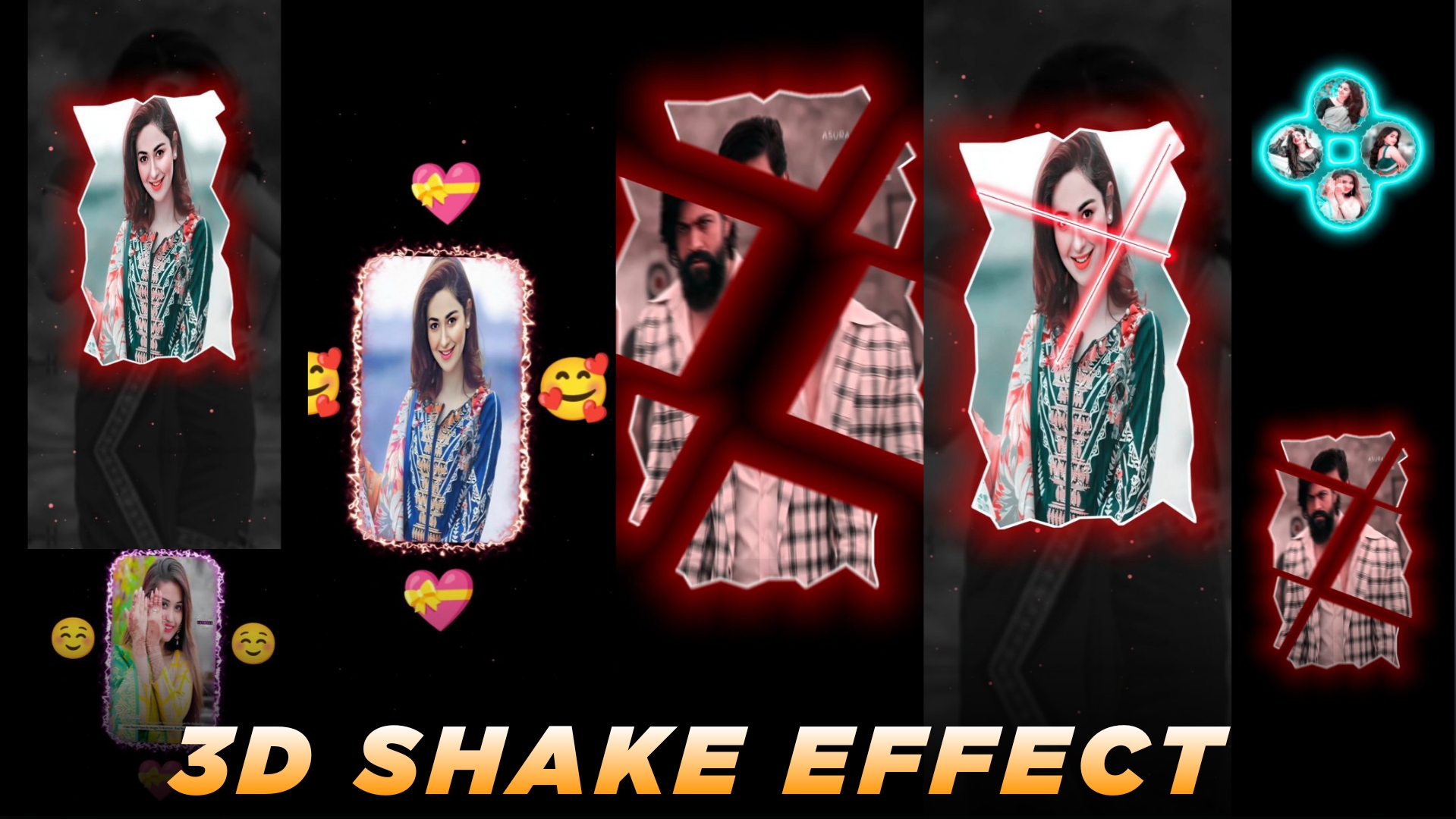
20+ Shake Effect Project File Alight Motion – In this article, you will get one effect from 20 different new anime types so that you know what one effect is from this anime type. If you have seen it you will know. If you don’t know then consider it as if you have watched cartoon videos. These are some types of effects. Many people from foreign countries and everywhere like it. I noticed that so many people like when. It is very important to bring its effect, brother. We keep getting a lot of comments regarding such trading effects. Brother, please upload such effects, so I thought it is very important to upload now. In this article we will tell you how you can create your video using it.
20+ Shake Effect Project File Alight Motion
In this you are given 20 different types of effects. You won’t get exactly the same effects. You will get to see all the different types of effects and in this you will know the project file to file the project. Whoever wants XML, you guys comment. I will also give you the XML file. But first of all, the project file is given here, so if you want to use the project file, you can use it.
Alight Presets Effect
In the effect that I have provided you, you can do editing with just one click. What do you have to do in that? You just have to do the copy paste method. This is the method. It is very easy because in today’s generation, such editing can be done very easily and there is no problem in explaining it, so the effects given to you, you can use them with the same method or you can replace them. You can use this method. I will tell you both, you go read the article.

How To Use 20+ Shake Effect Project File Alight Motion
The presets which have been given to you, now you can also call them as templates, what you have to do in it is the minimum of template, you can use the preset one in it, see what the preset one is. In this, everything has been set and given to you. You just have to use them. Now look at one method, first of all the replace one, if you just want to check this effect in your video here. How does it look? Then you have to select that layer. After that, you will go to the color and fill option and get the replace option. You have to go to it and from there you can select it and add it.
Secondly, you have this option. You click on that layer. Whose effect you want to copy, then you have to go to the effect option below. There you have to copy the effect by clicking on the three dots. Then you can go to your layer and paste it. In this way you can use both these methods. Please do tell us by commenting which of the two asanas you liked.
How To Download Project File
And you will keep getting such new effects on our website. If you do not know then turn on the notification on our website. I will upload the effect here and keep sending you notifications. You will get posts about whatever it is. You will find them absolutely fresh and currently in trading. Apart from Reset, you will find other editing stocks on our website. Which you can use in your editing.